

Alternatives to 3D AI Maker
3D AI Maker turns text and images into textured 3D assets, with GLB and STL exports and a Blender plugin for creators.
Explore 20 alternatives to 3D AI Maker. Compare features, pricing, and find the best fit for your needs.

FoxyLab
FoxyLab creates editable marketing videos and banner sets through chat, with API access for code-driven workflows.
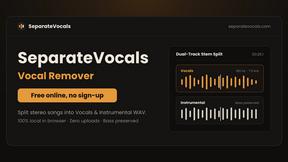
SeparateVocals
SeparateVocals splits stereo songs into vocal and bass-preserved instrumental WAV stems locally in a browser, with optional cloud-based HD separation.
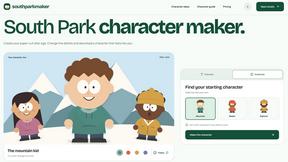
southparkmaker
Create a South Park-inspired avatar in a browser editor, customize its details, and export a 1024 px PNG or SVG without signing up.
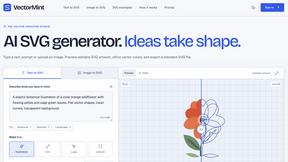
VectorMint
VectorMint creates editable SVG icons and illustrations from text or images, with previews that help check vector geometry before download.

InterviewAce
InterviewAce combines live, resume-grounded prompts with mock interview rehearsal for candidates preparing for a specific role.
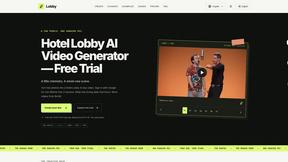
LobbyClip
LobbyClip creates short AI duo videos from two photos, with seven ready-made scenes, flexible framing and one-time credit pricing.
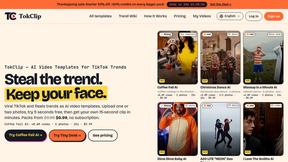
TokClip
TokClip makes short AI videos from photos with ready-made templates for TikTok and Reels trends, including music, dance, sports, meme and pet formats.
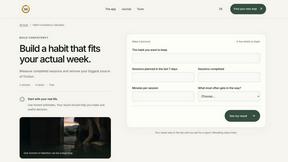
BE THE ONE
BE THE ONE brings reflection, movement, breathwork and creative activities into a daily routine app with intention setting and progress tracking.
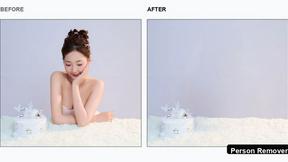
PersonRemover
Remove a person, sticker, or other photo distraction with detection or brush selection and AI background reconstruction.

FindTourGuide
FindTourGuide connects travelers with local tour operators to compare custom itineraries and quotes, chat directly, and plan trips without middlemen.
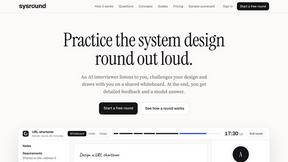
SysRound
Prepare across coding, machine learning, behavioral, and system design rounds with company questions and a shared practice workspace.

ACA
ACA gives teams AI-assisted tools for finding prospects, running campaigns, capturing leads, and publishing content.
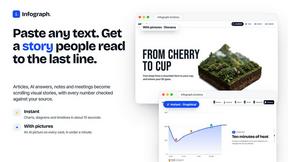
Infograph
Infograph turns source text, photos, and call notes into visual explainers for creators, teachers, students, and teams.
iWhiteScreen
Turn a computer, phone or tablet display into a full-screen white light for pixel checks, monitor cleaning, tracing and simple product photos.
Denoisa
Denoisa removes background noise from recorded speech in a browser, with local processing, cloud enhancement and video support.

GoShortsAI
GoShortsAI turns text prompts and still images into AI video, with motion transfer and preset workflows for creators and small studios.
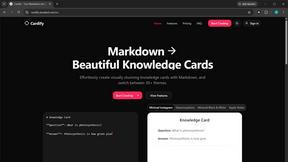
Cardify
Cardify converts Markdown into knowledge cards with 30+ themes, making notes easier to package and share as visuals.

AI Rap Video.cc
Turn portraits into short AI rap videos with original vocals, music and scenes, or remix a reference clip with a new cast.
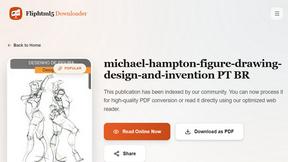
FlipHTML5 Downloader
Convert FlipHTML5 publications into downloadable PDFs with a browser-based tool for readers who want offline access to flipbooks.
About 3D AI Maker Alternatives
Prompt and image generation is a useful route for quickly testing concepts. If a model needs careful control or preparation for a particular output, compare it with building or refining the asset directly in a 3D application.
FAQs about 3D AI Maker Alternatives
How should I choose a generation input?
Start with a text prompt if you can describe the object, or upload an image when you have a reference to work from.
What should I do before using the model in production?
Review the generated file and refine it if needed for your project's requirements.