
SVG to 3D
Transform your SVG files into stunning 3D models in seconds with our fast, professional-grade conversion tool.
AI tool Details
Explore More
Alternatives
About SVG to 3D
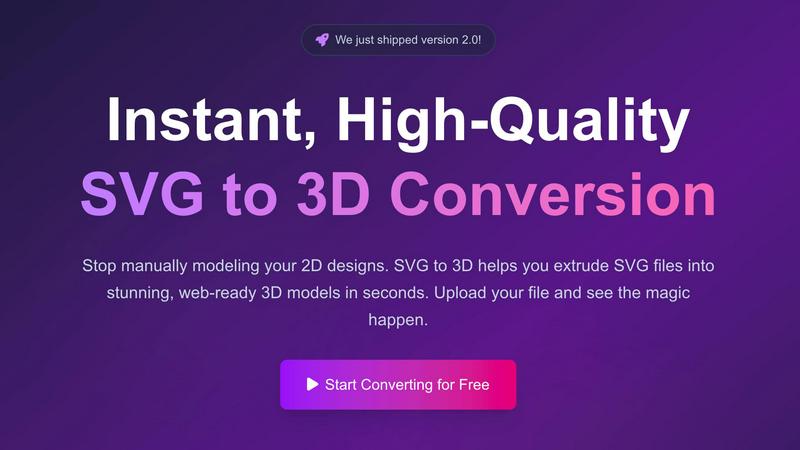
SVG to 3D is an innovative online tool designed to revolutionize the way designers and developers approach the creation of 3D models from 2D vector graphics. This user-friendly platform empowers you to swiftly convert your SVG files into high-quality, web-ready 3D models in just seconds. Whether you are a web developer looking to enhance your projects with interactive 3D elements, a designer eager to bring your logos and icons to life, or a 3D printing enthusiast needing a reliable STL export, SVG to 3D is here for you. By eliminating the need for heavyweight software like Blender or C4D, this tool simplifies the modeling process while maintaining professional standards. With a focus on speed, quality, and ease of use, SVG to 3D transforms your creative ideas into stunning visual realities. Experience the future of design with a tool that streamlines your workflow and amplifies your creative potential.
Features
One-Click to GLB for the Web
SVG to 3D enables you to export your designs as GLB files with a single click, making it incredibly easy for web developers to integrate 3D models into their projects. These optimized files are ready for Three.js or React Three Fiber, adding a captivating 3D flair to any website.
3D-Print Ready
With support for STL exports, SVG to 3D allows you to prepare your models for 3D printing without hassle. This feature ensures that your designs are clean and compatible with your slicer, so you can bring your digital creations to life in the physical world.
Advanced Material System
Our tool comes equipped with an advanced material system that allows you to apply realistic PBR materials and custom textures to your models. With professional lighting effects, your 3D designs will stand out, elevating the visual quality of your projects significantly.
Lightning-Fast Processing
Experience the thrill of rapid transformation. SVG to 3D uses optimized algorithms to convert your SVG files into 3D models in mere seconds, not minutes. This speed ensures that you can focus on creativity rather than waiting for processing times, making it the fastest SVG to 3D conversion tool available online.
Use Cases
Create Interactive 3D Logos and Icons for Web
Transform standard SVG icons into interactive 3D models that enhance user experience on websites. This feature is perfect for designers looking to create eye-catching logos or icons that engage users and elevate brand presence.
From Digital Design to Physical Object
Turn your digital creations into real-world objects seamlessly. SVG to STL conversion allows you to prepare your logos, art pieces, and custom parts for 3D printing, making it ideal for artists and makers who want to fabricate their designs.
Enhance Your Website with Depth
With the ability to add depth and realistic lighting to your UI/UX designs, SVG to 3D is a game changer for web developers. Impress clients by showcasing 3D elements that enhance the overall aesthetic and functionality of your projects.
Rapid Prototyping for Designers
Whether you are designing a product or an art installation, SVG to 3D enables rapid prototyping. This tool allows you to iterate quickly, making adjustments in real-time and exporting seamless models ready for presentation or production.
Frequently Asked Questions
How do I start using SVG to 3D?
Getting started is simple! Just upload your SVG file directly onto our platform, adjust your desired 3D settings, and let the tool do the rest. You can download your model in various formats once you're satisfied with the preview.
What file formats can I export my 3D models to?
SVG to 3D supports multiple export formats including GLB, GLTF, OBJ, and STL. This versatility ensures that you can use your 3D models across different platforms and applications seamlessly.
Is my data secure when using SVG to 3D?
Absolutely! We prioritize your privacy and security. Your files are processed locally in your browser whenever possible, meaning they remain private and are never uploaded to external servers.
Can I use SVG to 3D for commercial projects?
Yes! SVG to 3D is designed for professional use, making it ideal for commercial projects. You can easily create and export high-quality 3D models for any purpose, ensuring they meet industry standards.
Similar to SVG to 3D
screenRIG
Signage and kiosk infrastructure for AI agents. Your agent publishes images, video, streams, web pages and apps to screens via one plugin.screenRIG is

AUTOMATER.ai
A tray helper for every AI coding tool: sessions, alerts and usage in one place
GetYouTubeTranscript
Free YouTube transcripts on the web, a Chrome extension, and an API + MCP server so AI assistants can read YouTube.



amaze.directory
Hand-checked AI tools with real pricing on the card and no paid ranks.