

Image to Layers AI
Turn any image into editable transparent PNG/PSD layers with AI
AI tool Details
Explore More
Alternatives
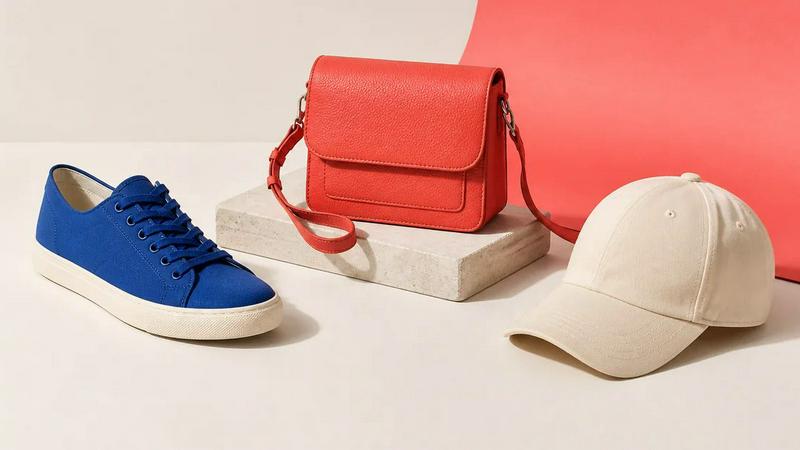
About Image to Layers AI
Turn any image into editable layers with AI. Upload a picture and get the subject, background, and objects as separate transparent PNG (RGBA) layers in about a minute. Works in any editor like Photoshop, Figma, or After Effects. Ideal for designers, motion artists, and developers who need quick, clean layer stacks without manual masking.
Similar to Image to Layers AI
VirtualTryOn
Try on clothes, glasses, rings, hairstyles, and hair colors on your own photos with AI.
RestoreOldPhoto
Restore old photos with RestoreOldPhoto.ai: repair scratches, creases and fading, sharpen faces and details, and optionally colorize family memories.
PhotoGenerAI
Create AI photos and edit images with prompts and references
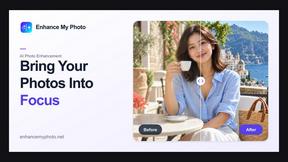
Enhance My Photo
Online AI photo enhancer that sharpens portraits, products, scenery, pets and text images and exports them as JPEG, PNG or WebP without watermarks.
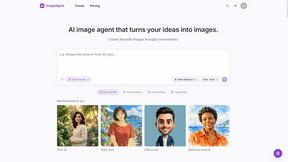
ImageAgent
Create and edit AI images through conversation, using text or reference images and refining results in chat.
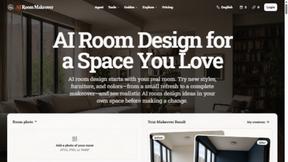
AI Room Makeover
Turn room photos into AI design concepts. Explore furniture, colors, styles and layouts with text requests and optional reference images.
AiAgeFilter
Free AI age filter: upload an adult portrait, add 10-40 years, meet your older self. No app needed.
AppIconGenerator
Generate iOS and Android app icons from any image and export all platform sizes for free.